
Clocking in
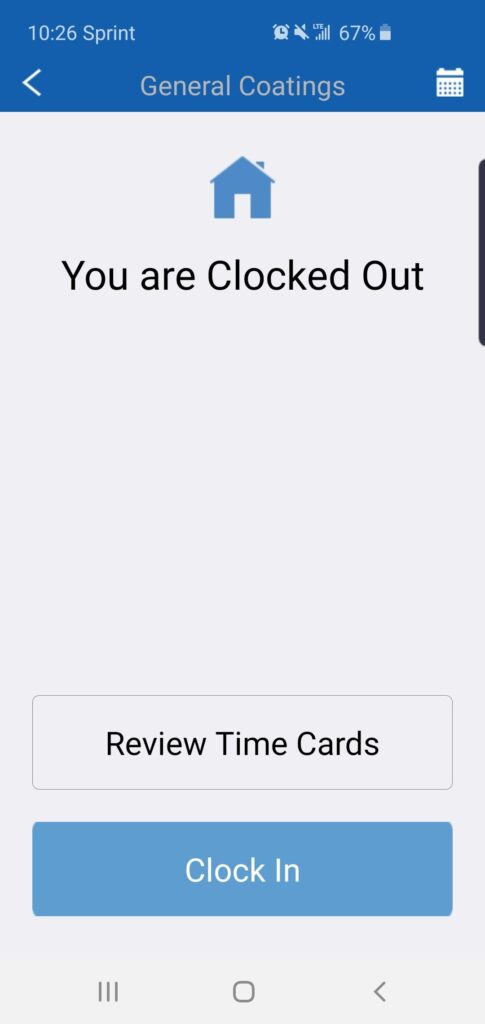
Step 1: Open the app and click the “Clock In” button
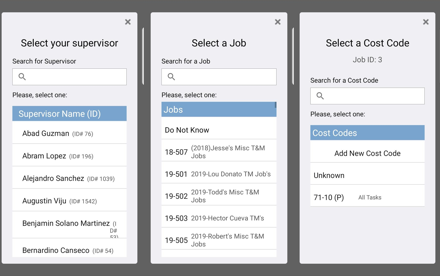
Step 2: To clock in, you would only need the name of your supervisor; however, you can input your Job ID and cost code as well (Which are recommended but not mandatory)
Step 1: Open the app and click the “Clock In” button
Step 2: To clock in, you would only need the name of your supervisor; however, you can input your Job ID and cost code as well (Which are recommended but not mandatory)