
How to delete a toolbox talks topic
Deleting a toolbox topic lets you permanently remove it from the Topics & Schedule dashboard. You might want to delete a topic when you no longer need to schedule it or share it with others. To delete a topic, you need the Toolbox Talks Admin or Manager role.
Platform: Zurel.app (Website)
From the Zurel.app website dashboard, select Settings>Toolbox Talks> Topics to navigate to the List of Topics page.
Toolbox Talks
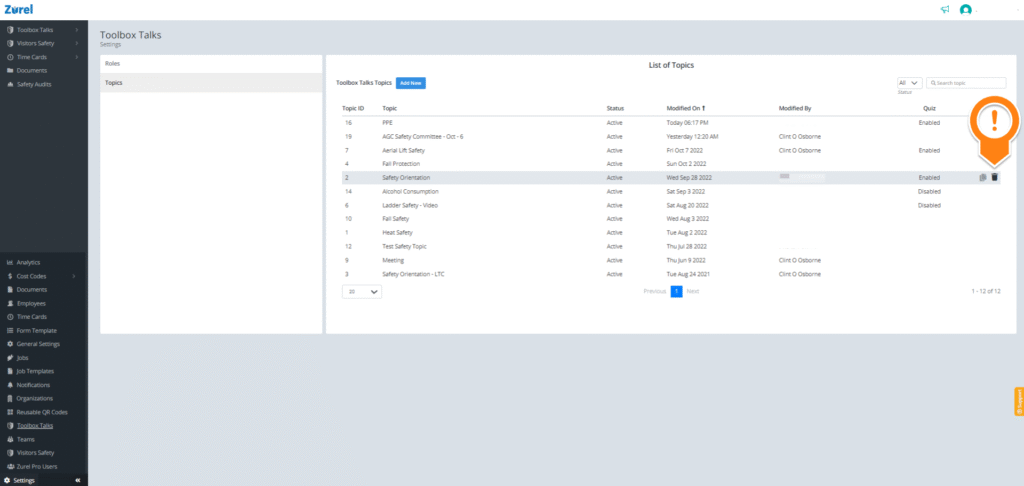
On this page, hover over the topic and click the delete icon.