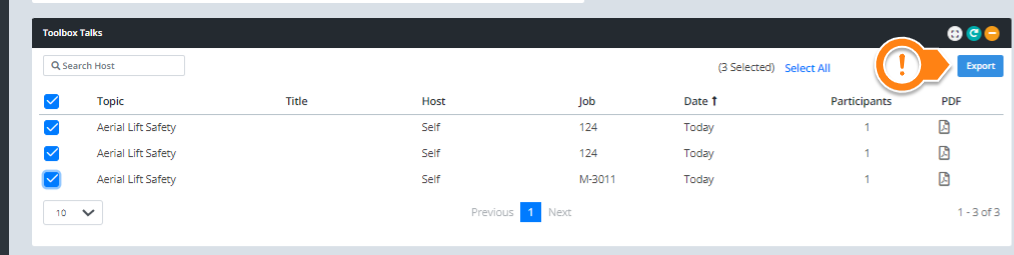
How to download multiple toolbox meeting reports at once
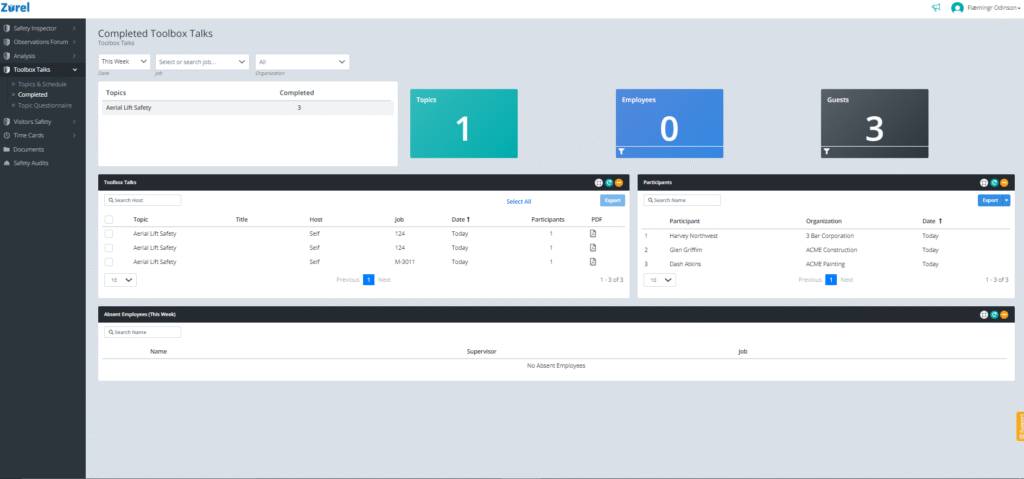
You may sometimes need to download multiple toolbox training reports to store them or for legal reasons. In these cases, you can use the Export feature in the Zurel app to download training reports in bulk. To export multiple trainings to your computer, navigate to Toolbox Talks > Completed from the Zurel app root menu.
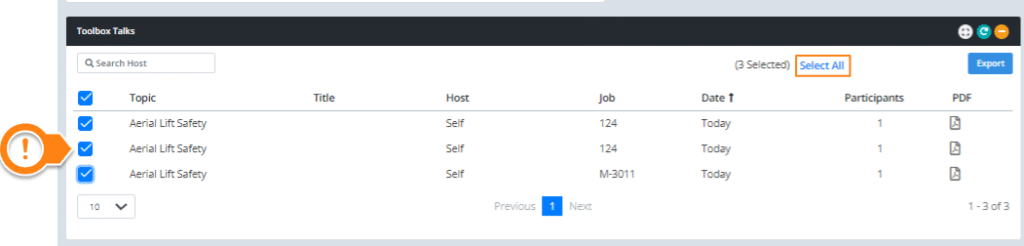
Select the reports you want to download in the Toolbox Talks table. You can also click on Select All if you want to download all the meeting reports at once.
Finally, click on Export to download these reports in bulk. The reports will be downloaded as a zip file.